
Home Decor Product Photography: Styling a Room Buyers Can Picture
June 30, 2026 · 8 min read · by Aashirvad Kumar
Your credits refresh every month for as long as ListingRVA AI exists. No renewals, no annual increases, nothing to cancel.
Available on select plans. No renewals, ever.
June 30, 2026 · 8 min read · by Aashirvad Kumar
Home decor sells on feeling. A vase, a woven basket, a candle or a throw is rarely bought for what it does and almost always for the mood it adds to a room. That makes the photograph the whole pitch: it has to show the object clearly, convey the texture, and let a buyer imagine the piece sitting in their own space. A flat phone snap on a cluttered table does none of that.
AI product photography gives a decor brand that full set without a studio or a stylist. You shoot the piece once, then generate a clean white-background hero, a styled vignette, a texture close-up and a finish lineup in minutes, on a tool that preserves your real material instead of inventing a look the product does not have.
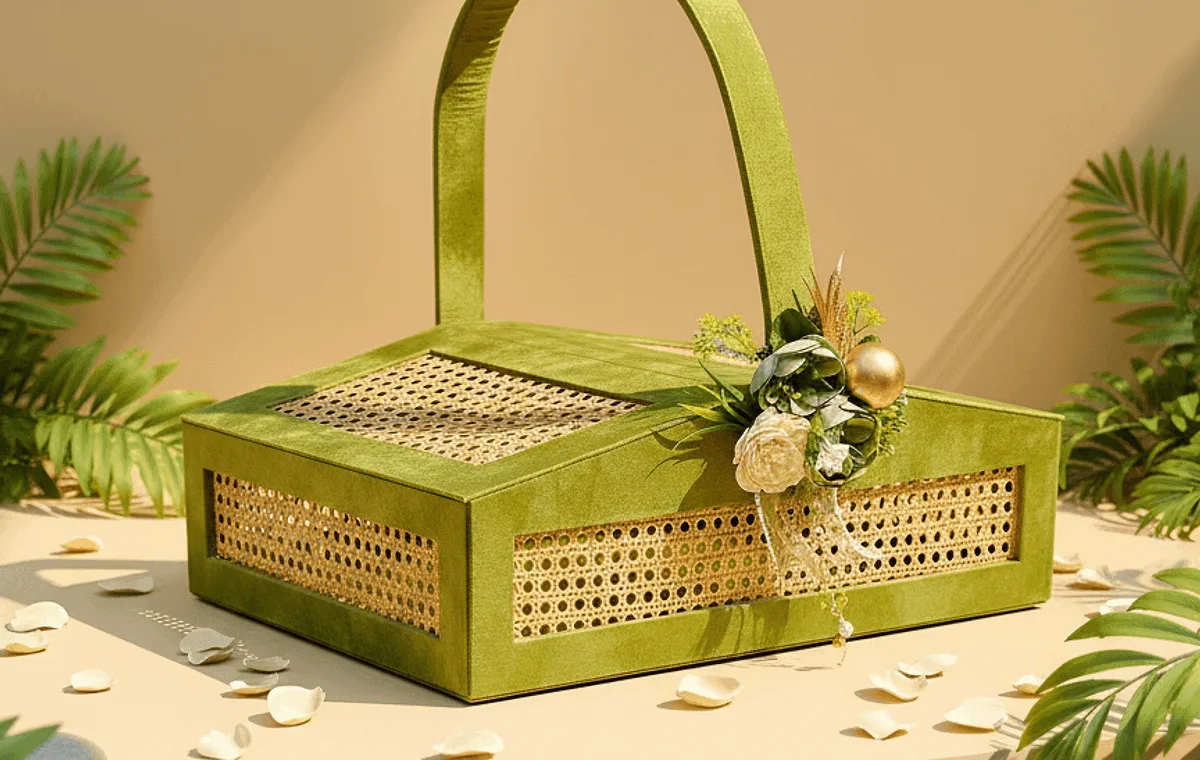
For most categories the photo confirms a decision the buyer has mostly made. For home decor the photo is the decision. There is no spec sheet that settles whether a piece looks right; it either reads as tasteful and worth the price, or it does not. So the imagery has to do two jobs at once: present the object honestly and stage it aspirationally.
The second thing is texture. Decor is a tactile category, the weave of a basket, the glaze on a ceramic, the grain of a wooden tray. If the image flattens that texture the piece looks cheap, and cheap-looking decor does not sell at a premium. Good decor photography keeps the material truthful while making it look its best. How large that effect is across categories is set out in the product image conversion statistics.
A strong decor listing is a small set, each image answering a different question:
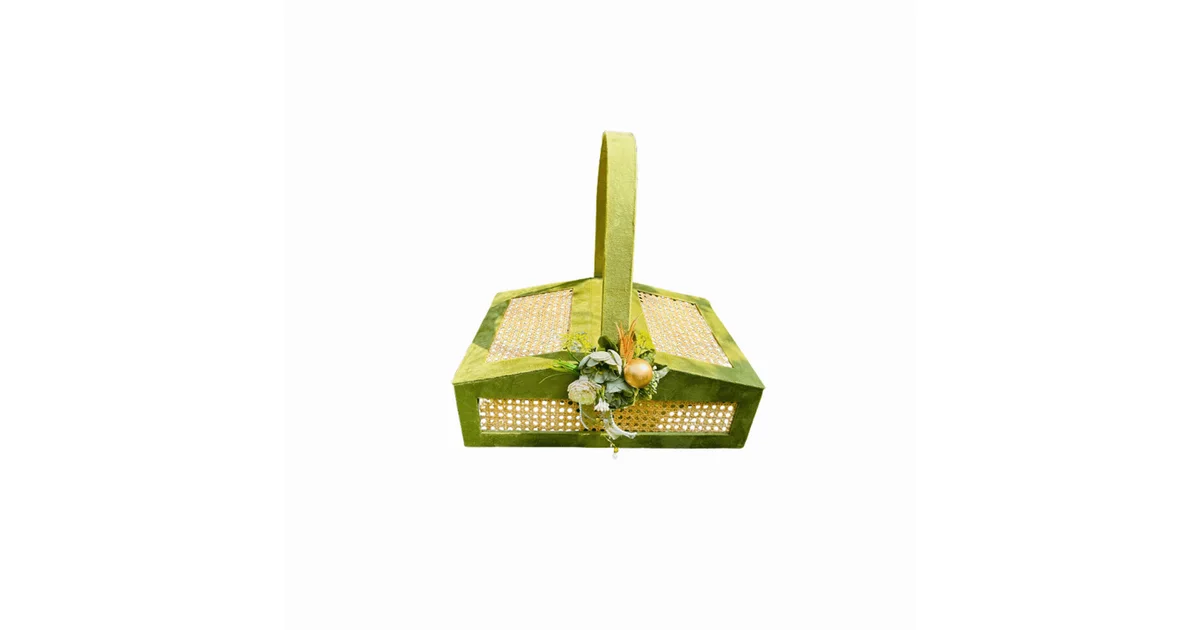
The traditional path to a decor catalog is a styling session: gather props, build a vignette, light it, shoot every angle, then tear it down and rebuild for the next finish. For a brand with dozens of small pieces in several colors each, that is days of styling and a real budget before a single listing goes live, and the props date quickly. The Amazon image requirements guide covers the same ground for Amazon, where a wrong main image gets the listing suppressed outright.
The AI path starts from a single clear photo of each piece. From there you generate the white-background hero, the styled vignette, the texture crop and the colorway set, all consistent across the collection. When a festive season arrives you generate the seasonal scene rather than rebuilding the set. See pricing for the plan math, or the full AI product photography software feature set. Selling larger pieces too? The furniture product photography guide covers scale and room scenes, and the furniture and home decor page shows the full style set.
The fastest way to earn returns is an image that oversells. Keep these in mind so the picture matches the product that arrives:
ListingRVA AI is built around this. It reads your real piece, preserves the material and never invents on-image text, so the catalog stays true to the product. You can publish the finished images straight to your channels through our ecommerce marketplace integrations.
Props are where decor scenes most often go wrong. A vase styled with a full bunch of flowers, a tray loaded with candles and books, a basket filled with folded throws: each looks lovely, and each invites a buyer to assume those items come in the box. When the parcel arrives with only the vase, the review says so. Keep props few and clearly secondary, and state in the copy exactly what is included.
A simple rule for home decor product photography is one hero object and no more than two or three supporting props, each chosen to explain scale or use rather than to decorate. A book beside a candle shows its height; a few fresh stems in a vase show it is meant for flowers. If a prop is more eye-catching than the product, swap it for something plainer.
50 free credits, no credit card. White background, styled scene and texture styles included.
Start free →Yes. The AI reads your real product photo and preserves the exact shape, weave, finish and color, then places the piece on a clean background or into a styled scene. Your real product stays the hero, never a generic stand-in.
A clean white-background hero for the marketplace main image, a styled scene or vignette that shows the piece in a real space, a texture close-up of the material, and a finish or colorway lineup so buyers can choose the one for their room.
Soft, even light, a tasteful surface with negative space, and a styled vignette with a few complementary props. A clean hero earns the click and a styled scene sells the mood, which is what moves decor.
A styled decor shoot with props, a stylist and a photographer runs into the hundreds per SKU. AI brings the same set of images to a few dollars per SKU and minutes per product, with new scenes and finishes generated on demand.
Yes. From one product photo you can generate a clean hero plus seasonal or gifting vignettes, so the same piece can be restyled for festive, wedding or everyday campaigns without a new shoot.
ListingRVA AI now works inside Claude. Connect your workspace and ask Claude to generate listing copy and publish product images to your store, without leaving your editor. See the Claude connector →
Comments
No comments yet, be the first.
Leave a comment