
Clothing Product Photography: On-Model, Ghost-Mannequin and Flat-Lay
June 25, 2026 · 8 min read · by Aashirvad Kumar
Your credits refresh every month for as long as ListingRVA AI exists. No renewals, no annual increases, nothing to cancel.
Available on select plans. No renewals, ever.
June 25, 2026 · 8 min read · by Aashirvad Kumar
Apparel is sold on a body. A buyer cannot try on a t-shirt or feel the weight of a coat through a screen, so the photos have to answer the only questions that matter before checkout: how does it fit, how does it drape, and what will it actually look like on me. That is why clothing photography is harder, slower and more expensive than almost any other category, and why a flat photo of a shirt on a hanger almost never sells.
AI clothing product photography attacks the cost and the speed at the same time. You shoot the garment once, then generate an on-model image, a ghost-mannequin hero, a flat-lay and a full colorway lineup in minutes, on AI product photography that preserves the real fabric, print and logo instead of inventing a new garment.
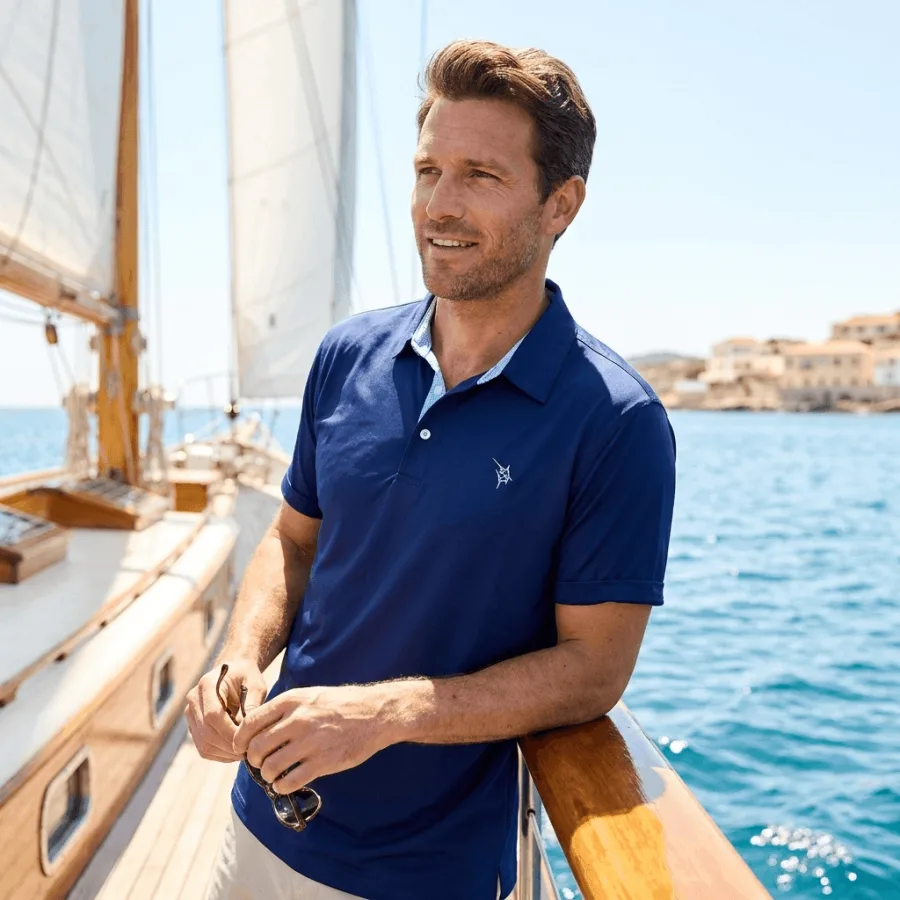
Clothing is one of the few categories where the same product can look completely different depending on how it is photographed. A hoodie laid flat looks shapeless; the same hoodie on a model with the right posture shows the cut of the shoulders, the length of the hem, how the fabric falls. Fit, drape and movement are the product. A buyer is not really buying the garment in the photo, they are buying the version of themselves wearing it.
That is also why returns are so brutal in fashion. When images do not communicate fit honestly, buyers guess, order two sizes, and send one back. Good apparel images reduce returns as much as they drive clicks, because they set the right expectation before the box ever ships. The product image conversion statistics put a number on how much of that decision the images are really carrying.
There is no single right way to shoot clothing. Each format answers a different buyer question, and a strong listing uses more than one:
Most apparel listings lead with a clean ghost-mannequin or flat-lay main image, then use on-model and lookbook shots through the rest of the gallery to close the fit question.
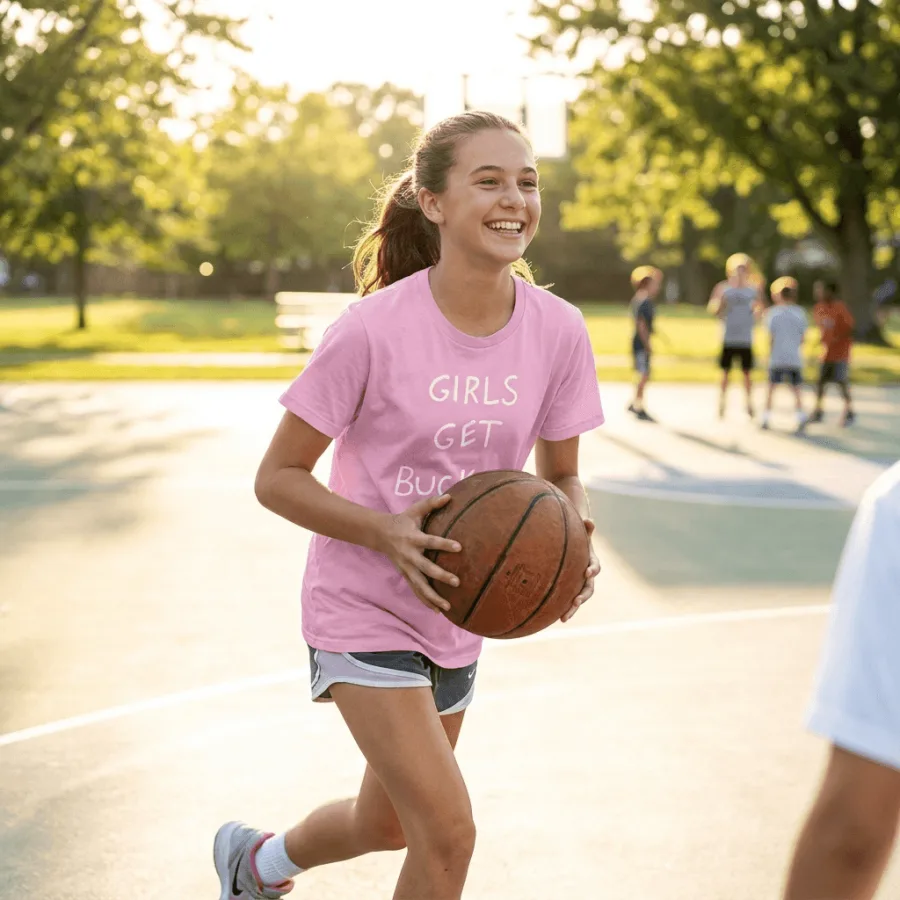
A traditional apparel shoot is the most expensive kind of product photography there is. You are not just paying a photographer. You are booking a model, a stylist, a location or studio, hair and makeup, and hours of retouching, and you are doing it for every drop. A single seasonal collection can cost thousands of dollars before a single garment is listed. Amazon draws those lines in different places, which the Amazon image requirements guide spells out field by field.
Then there is the timeline. Sampling, scheduling the shoot, the shoot day itself, selects and edits stretch a launch out by weeks. For a brand pushing frequent drops or a long tail of SKUs, that cadence is impossible to sustain, and the photography budget quietly becomes one of the largest line items in the business.
This is where AI is uniquely strong for apparel. A clothing brand rarely sells one version of a product. The same tee ships in eight colors, the same jacket in three washes. Traditionally each colorway means another sample, another shoot, another edit.
With AI you shoot the garment once and generate a consistent colorway lineup from that single photo, every variant in the same pose, framing and lighting. The result is a range that looks like one cohesive brand instead of a patchwork of shoots done on different days. New color drops in, you generate its set in minutes, and the catalog stays uniform.
Marketplaces are strict about the main image, and clothing is no exception. Amazon and Flipkart want a clean product hero on a pure white background with the garment centered and filling the frame, no props, no watermark, no extra text. Get this wrong and the listing can be suppressed. The written listing has to agree with that hero, and a Flipkart listing generator tool drafts titles, descriptions and bullets you can edit so fabric, fit and size match the photo.
AI makes the compliant white-background hero the easy part: generate a clean main image that meets the rules, then use richer on-model, ghost-mannequin and lifestyle shots for the rest of the gallery where marketplaces give you more freedom. See AI Product Photography Pricing for the plan math, or the full AI Product Photography Software feature set.
The thing apparel brands worry about most with AI is also the thing that matters most: does it keep my real product. A print that gets redrawn, a logo that turns into a smudge, a knit that changes texture, any of those make the image useless. The whole point of a clothing image is to show the buyer the exact thing they will receive.
ListingRVA AI is built to preserve what you give it. It reads your real garment photo and keeps the fabric, the print, the color and the logo intact, then places that exact piece on a model, a ghost form or a flat-lay scene. It never invents a different garment, and it never fabricates on-image text, badges or claims. Your product stays the hero; only the setting changes.
Between May and October 2026, 5 seller workspaces generated 30 images for 12 apparel products on ListingRVA AI. On-model shots were the most common choice (8 of 30, including one on-model infographic), followed by lifestyle scenes without a model (6) and full Amazon A+ pages (5). A plain white-background hero accounted for only 3 of the 30.
It is a small sample, but it matches the argument at the top of this guide: when sellers can get an on-model image without booking a shoot, that is what they reach for first. Keep one compliant white-background hero for the marketplace main image, then spend the rest of the gallery showing fit and drape.
Source: ListingRVA AI generation logs, May to October 2026 (30 images, 12 apparel products; totals only, no customer data).
50 free credits, no credit card. On-model, ghost-mannequin, flat-lay and lifestyle styles included.
Start free →Yes. The AI reads your real garment photo and preserves the fabric, print, color and logo, then places it on a model or scene. Your actual product stays the hero instead of a generic stand-in, and it never invents a different garment or fabricates on-image text.
On-model shows fit and drape on a body, ghost-mannequin shows the garment shape with no visible model, and flat-lay shows the piece laid out from above. Most apparel listings use a mix: a flat-lay or ghost main image and on-model shots for fit. See the full set on the AI clothing product photography page.
Yes. From one garment photo you can generate a consistent set of color and colorway variants in the same pose and lighting, so the full range looks like one brand instead of separate shoots.
A clean product hero on a pure white background with the garment centered. AI can produce a compliant white-background main image plus richer on-model and lifestyle shots for the rest of the gallery.
A model and studio shoot runs hundreds to thousands of dollars per drop once you add the model, stylist, location and editing. AI brings the same image set to a few dollars per SKU and minutes per product, with unlimited colorway variants.
ListingRVA AI now works inside Claude. Connect your workspace and ask Claude to generate listing copy and publish product images to your store, without leaving your editor. See the Claude connector →
Comments
No comments yet, be the first.
Leave a comment