
Supplement Product Photography: Label Legibility and Claim Compliance
June 24, 2026 · 8 min read · by Aashirvad Kumar
Your credits refresh every month for as long as ListingRVA AI exists. No renewals, no annual increases, nothing to cancel.
Available on select plans. No renewals, ever.
June 24, 2026 · 8 min read · by Aashirvad Kumar
Supplements are a trust purchase. A buyer cannot taste the powder or feel the capsule, so the images carry the whole argument, and they have to do it inside Amazon's claim rules. That makes supplement photography expensive and slow the traditional way, and risky if a single image says something it should not.
AI supplement product photography changes both problems at once. You shoot the tub once, then generate a premium hero, ingredient layouts, a full flavor lineup and a clean white-background image in minutes, on AI product photography that preserves your real label instead of inventing one.
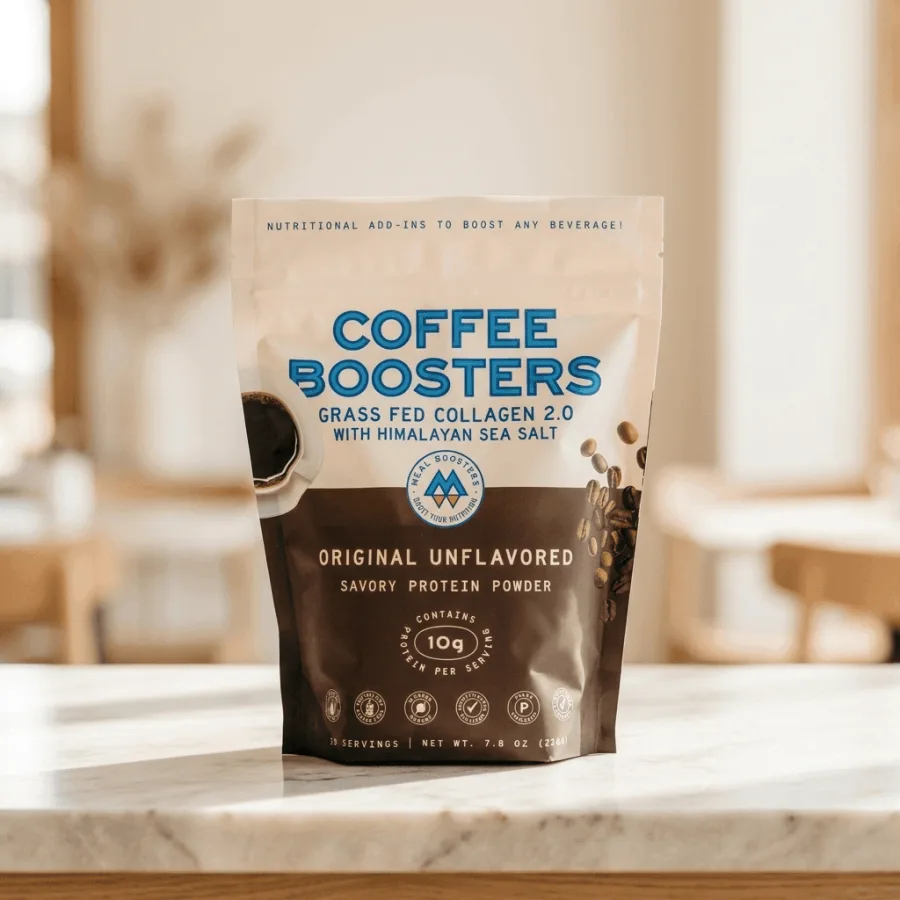
Two things separate supplements from a generic product shoot. First, the label is the product. Buyers zoom in to read the serving size, the active ingredients, the certifications. If the label is soft or warped, trust drops. Second, the words around the product are regulated. What you can show and say is narrower than in most categories, and image text is included. If the argument needs evidence, the product image conversion statistics cover what actually shifts buyer behaviour.
So a good supplement image does two jobs at the same time: it looks premium enough to earn trust, and it stays inside the rules while doing it.
A strong supplement listing is not one photo. It is a small set, each answering a different buyer question:
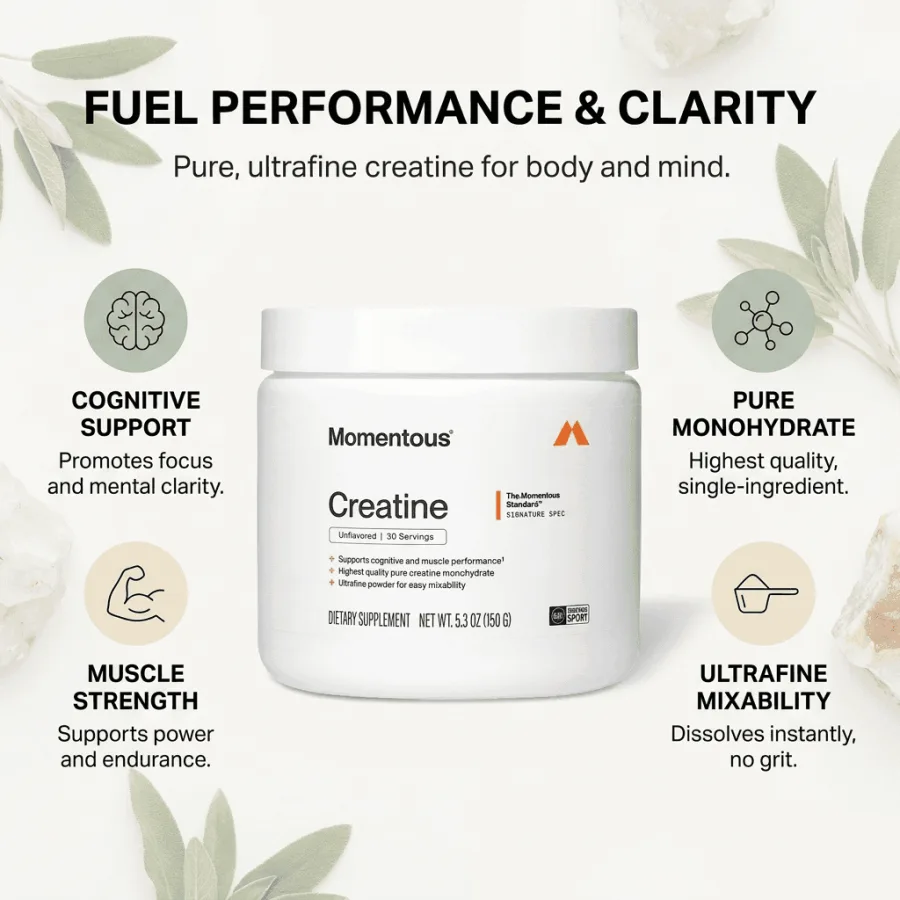
This is where supplement brands get listings suppressed. Keep these in mind for anything that appears on the image or in the copy:
ListingRVA AI is built around this. It never invents on-image text and applies marketplace compliance as it generates, so the easy mistakes are avoided before you even reach review.
A legible Supplement Facts panel is the most important secondary image in a supplement listing, because Amazon and shoppers both treat it as the source of truth. Amazon's dietary supplement guidance asks sellers to show the panel, the complete ingredient list, and label details such as the identity statement, directions, warnings and manufacturer contact information, and industry summaries of the Amazon dietary supplements policy note that a computer-generated mock-up is not accepted for this purpose. Polish the hero and lifestyle frames however you like, but photograph the panel itself from the real product.
Image must match the panel: Amazon treats the Supplement Facts panel as the reference. A mismatch between it and your images or copy is a compliance risk that can deactivate the listing.
No supplement image should say "FDA approved", because the FDA does not approve dietary supplements before they reach the market. A structure/function claim on the label must instead carry the standard disclaimer that the claim has not been evaluated by the Food and Drug Administration and that the product is not intended to diagnose, treat, cure or prevent any disease, as the FDA explains in its guidance on structure/function claims. Placement rules for that disclaimer have been under review, so check the current requirement rather than copying an old label.
Count, serving size and net quantity should be readable at a glance, because shoppers comparing two bottles usually decide on cost per serving, and a listing that hides that math looks evasive. State the count clearly (for example 60 capsules) and make it match the label and the title; show servings per container and serving size so buyers can work out how long the bottle lasts; never use an oversized bottle render that implies more product than ships; and when capsules or gummies appear loose in a frame, keep the count visually honest. Accurate quantity details also feed the machine-readable signals that increasingly drive discovery, which is why AI shopping image signals reward listings whose images and data agree.
A styled supplement shoot with a photographer, set and editing typically runs into the hundreds of dollars per SKU, and every new flavor means booking it again. For a brand with a dozen SKUs and several flavors each, that adds up fast and slows every launch. The equivalent rules on the other marketplace are collected in the Amazon image requirements guide, and they are not identical.
AI product photography brings the same set of images to a few dollars per SKU and minutes per product, with unlimited variants when you add a flavor. See AI Product Photography Pricing for the plan math, or the full AI Product Photography Software feature set.
50 free credits, no credit card. Premium, ingredient and lifestyle styles included.
Start free →Yes. The AI reads your real product photo and preserves the tub, pouch, bottle and label exactly, then places it into a premium scene. Your actual packaging stays the hero, never a generic stand-in.
Avoid disease and drug claims in image text. Stick to compliant structure and function language, keep certifications accurate to what you hold, and review every image before publishing. ListingRVA AI never invents on-image text and applies marketplace compliance as it generates.
A clean white-background hero, an ingredient or benefit layout, a supplement-facts or serving shot, a lifestyle routine image, and a range or flavor lineup. See the full set on the AI supplement product photography page.
A styled supplement shoot runs hundreds of dollars per SKU. AI brings it to a few dollars per SKU and minutes per product, with unlimited variants for new flavors.
Amazon's dietary supplement guidance asks sellers to provide clear images of the Supplement Facts panel, the full ingredient list, and label details such as the identity statement, directions, warnings and manufacturer contact information. Requirements change, so verify the current policy in Seller Central before you finalize your image set.
No. The FDA does not approve dietary supplements before marketing, so "FDA approved" on a supplement image is misleading. Structure/function claims instead require a disclaimer that the claim has not been evaluated by the FDA and that the product is not intended to diagnose, treat, cure or prevent any disease.
Yes. Generate a cohesive set across every flavor or SKU from one photo, so the full range looks like one brand instead of separate shoots.
ListingRVA AI now works inside Claude. Connect your workspace and ask Claude to generate listing copy and publish product images to your store, without leaving your editor. See the Claude connector →
Comments
No comments yet, be the first.
Leave a comment